













User Application Flow
-
Splash Screen
Our startup screens look awesome and are meant to make your app fun to use. We're here to ensure you make a great first impression.

-
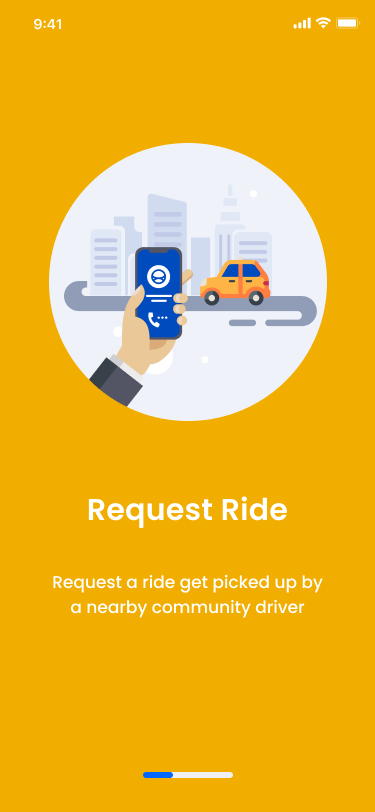
Onboarding Screen
Welcome to Uber! Let's get you moving. Request your ride here and we'll take you where you need to go.
-
Onboarding Screen
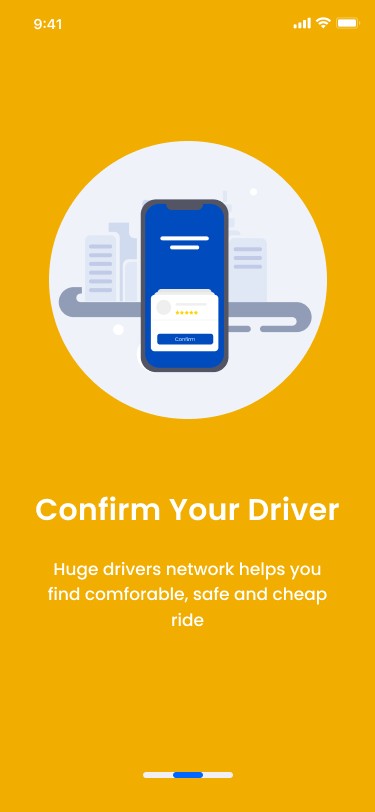
Confirm your driver! Verify the details to ensure your safe and comfortable Uber journey.
-
Onboarding Screen
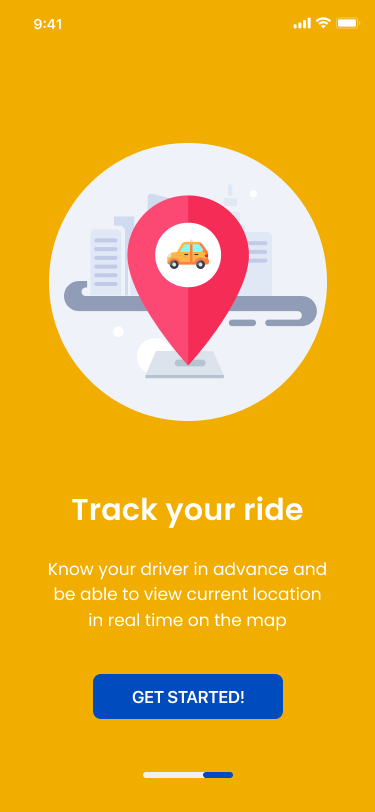
Track your ride! Keep an eye on your driver's progress and know exactly when they'll arrive.
-
Choose Location
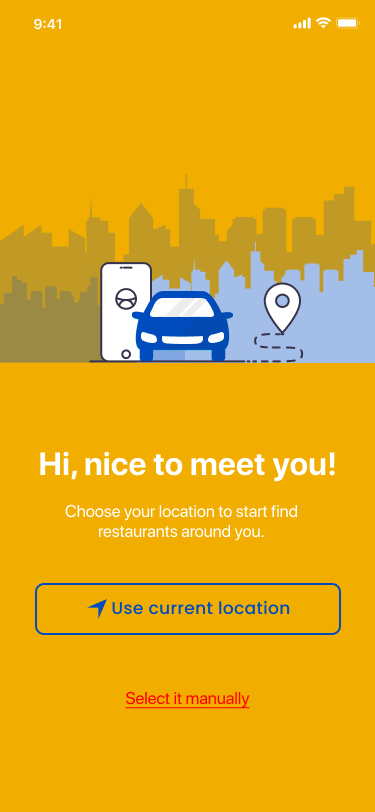
Choose your location! Let us know where you'd like to be picked up, and we'll make sure your ride is on its way.
-
Sign Up
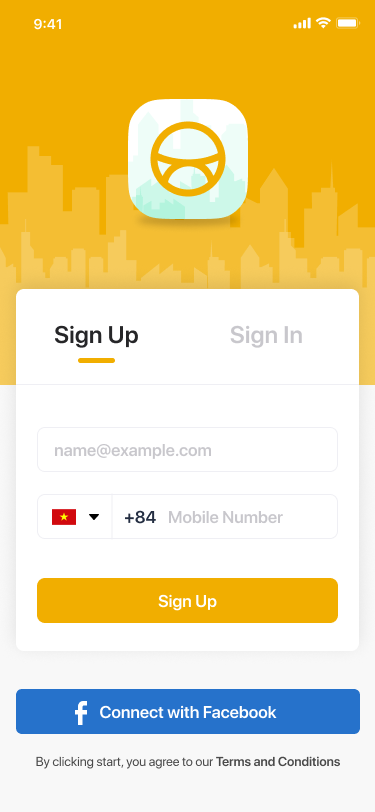
Join the ride! Sign up to get started with Uber and enjoy convenient transportation whenever you need it.
-
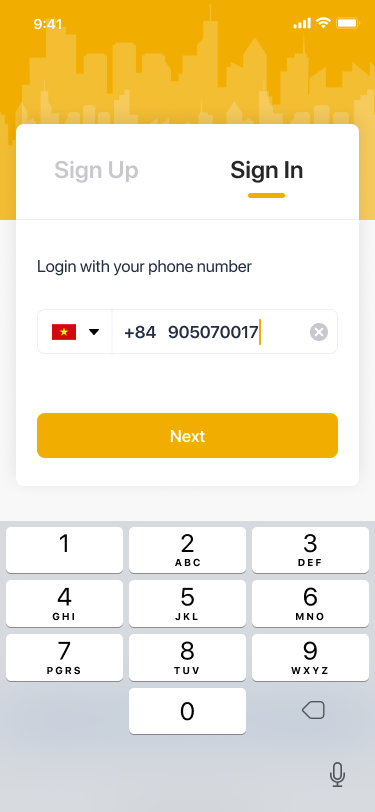
Sign In
Ready to ride? Log in to your account to get started and enjoy your journey with us.
-
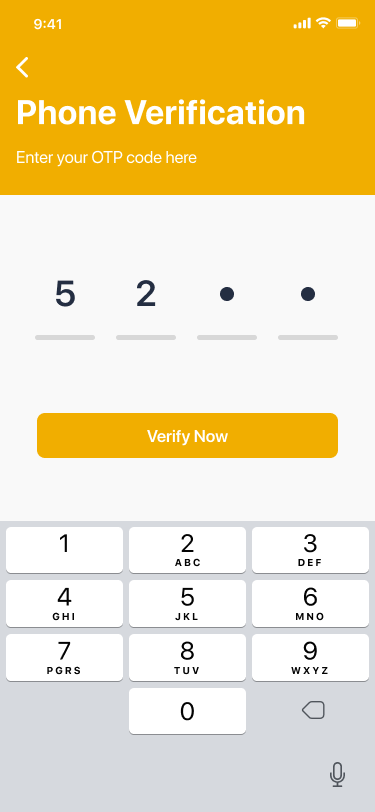
OTP verification
Let's secure your account. Verify your phone number to ensure a safe and reliable Uber experience.
-
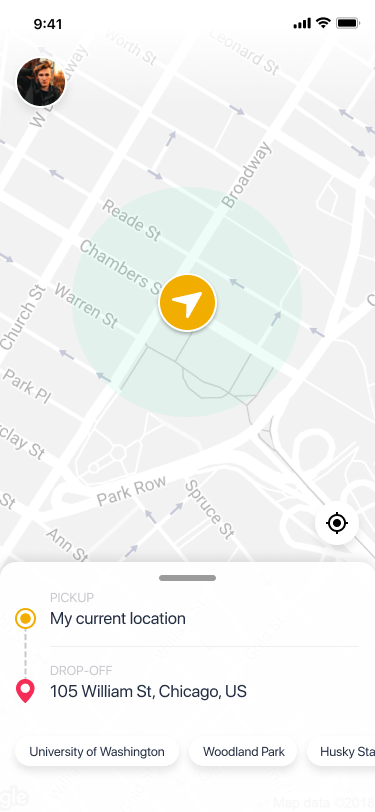
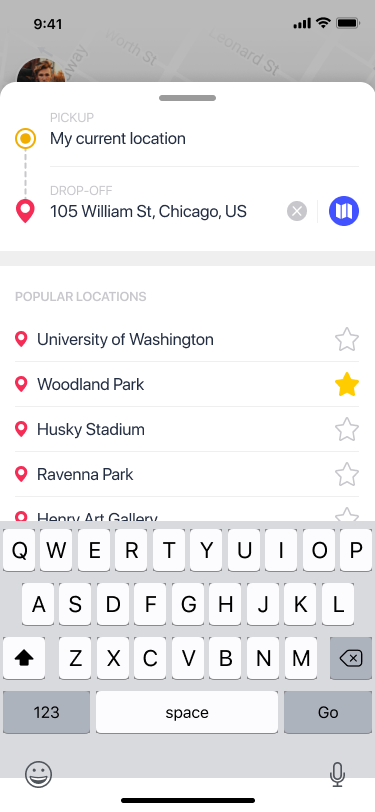
Select Location
Select your location: Where would you like to be picked up from? Your journey begins here.
-
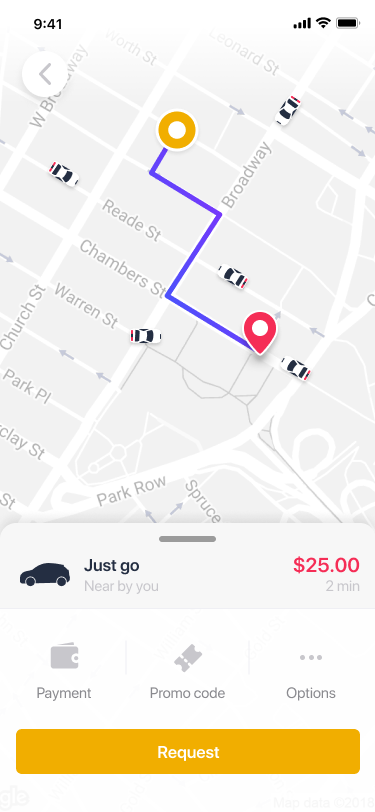
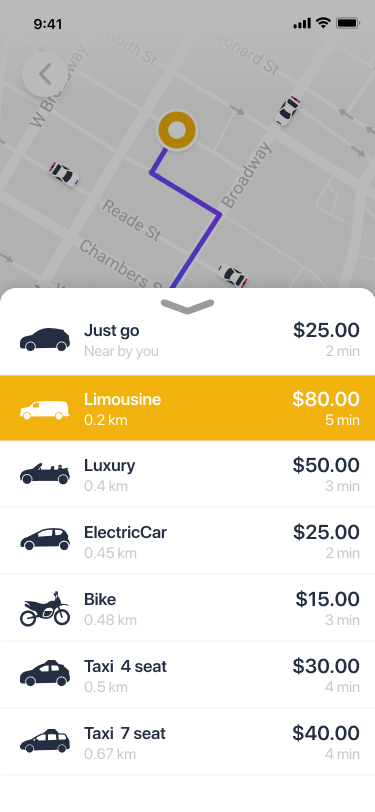
Choose Your Driver
Ready to roll? Request your ride and choose your preferred option. Your journey, your choice.
-
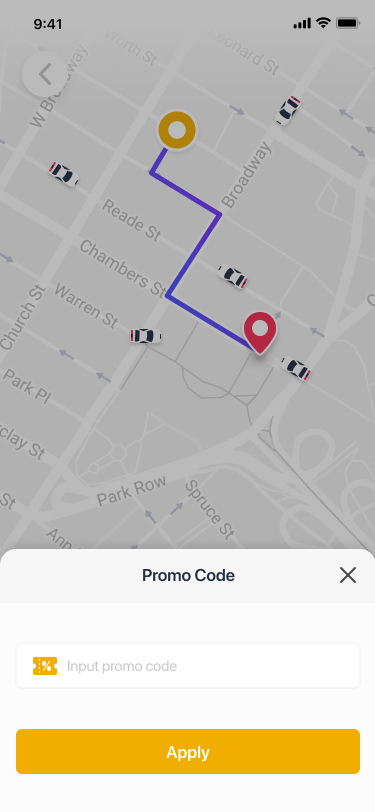
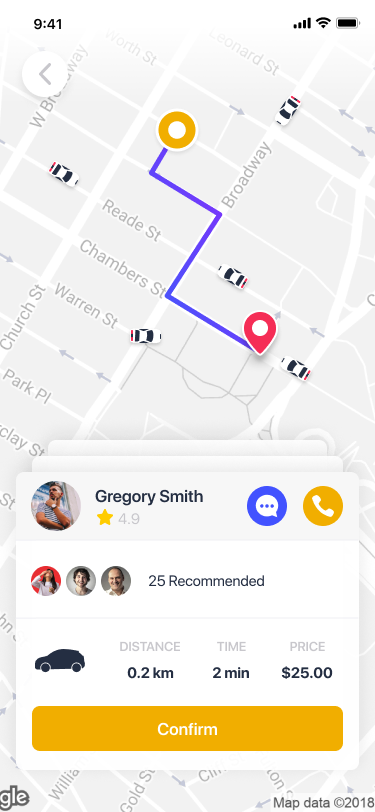
Confirm Ride
Got a promo code? Add it here and click 'Confirm' to apply it to your ride.
-
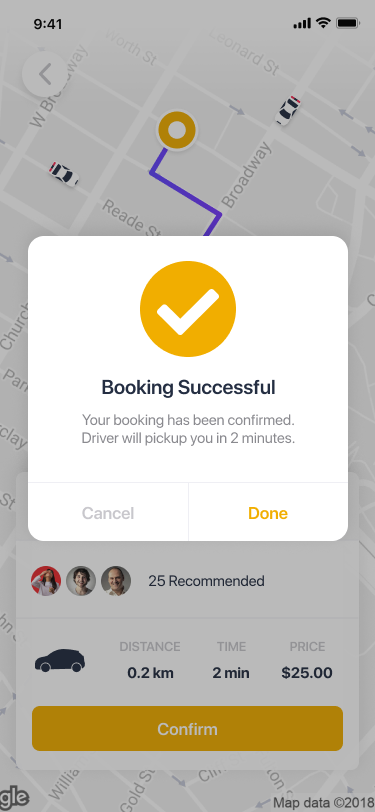
Booking Done
Booking Successful! Your ride is confirmed and on its way. Sit back and relax – we've got you covered.
-
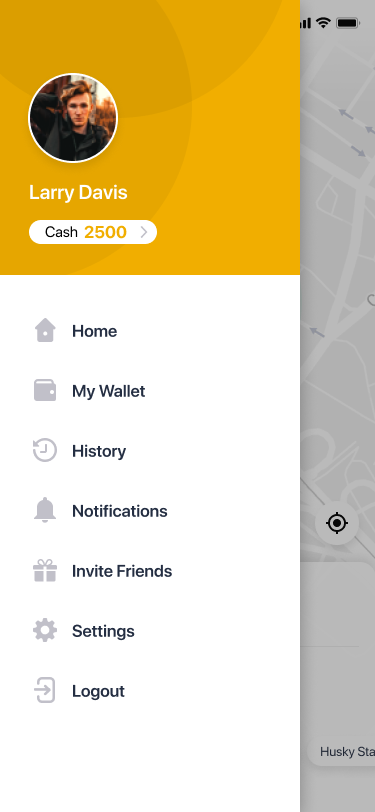
Sidebar
Open the sidebar: Access more options and features by tapping the sidebar icon. Explore everything at your fingertips.
-
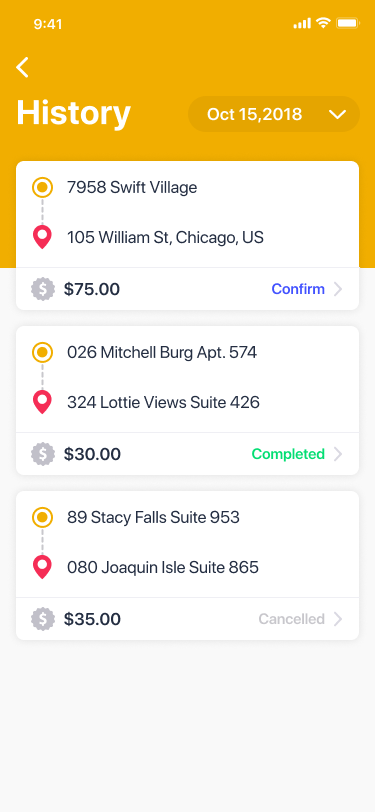
History View
View your history: Check out your past rides and keep track of your Uber journey history.
-
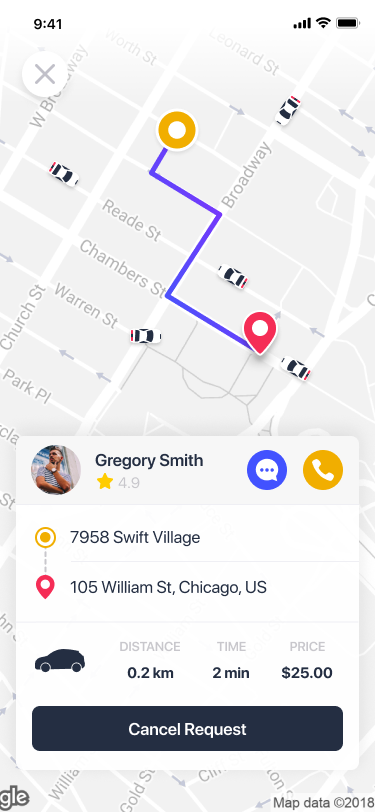
Details
Choose your ride and be patient. You can cancel it, send a message to the driver, or give them a call if needed.
-
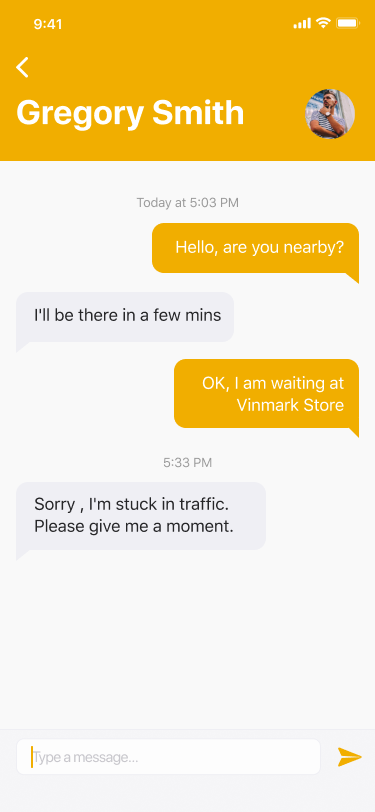
Message Send
You can send a message to your driver.
-
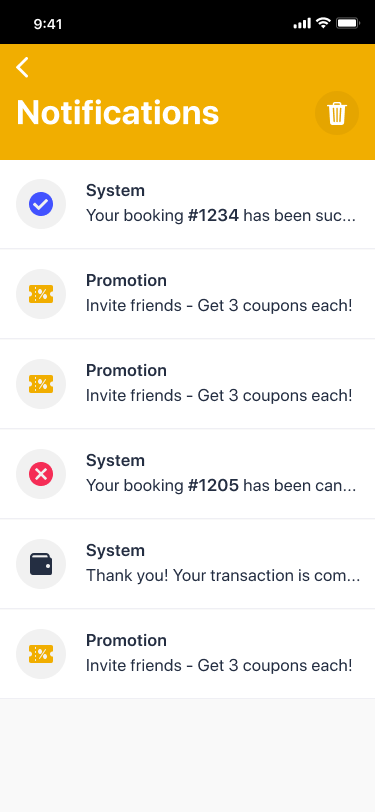
Notification
Stay informed with updates and alerts in the notification section.
-
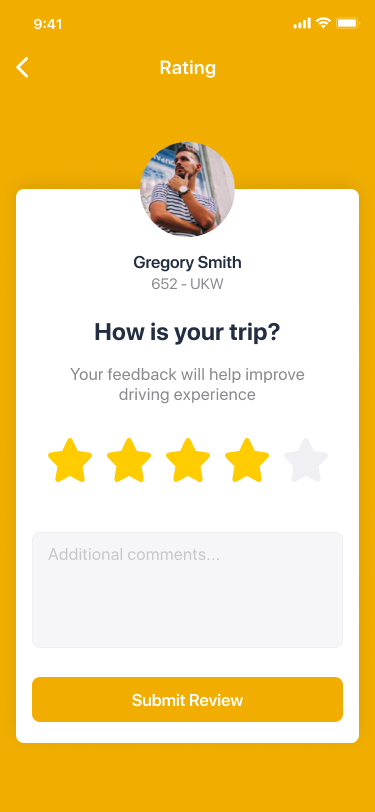
Rate your ride
Let us know how your trip went by giving it a rating.
-
Leave a tip
If you had an exceptional ride, you can show your appreciation by leaving a tip for your driver.

-
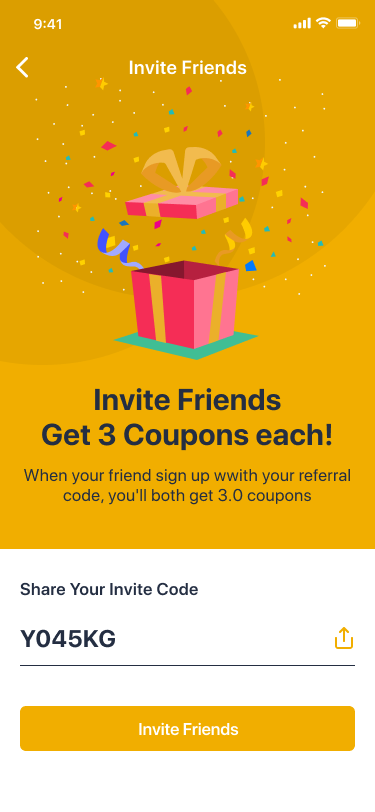
Invite Friends
Spread the word and invite your friends to join the Uber experience.
-
Find and invite friends
Search for your friends and send them an invitation to join you on Uber.

-
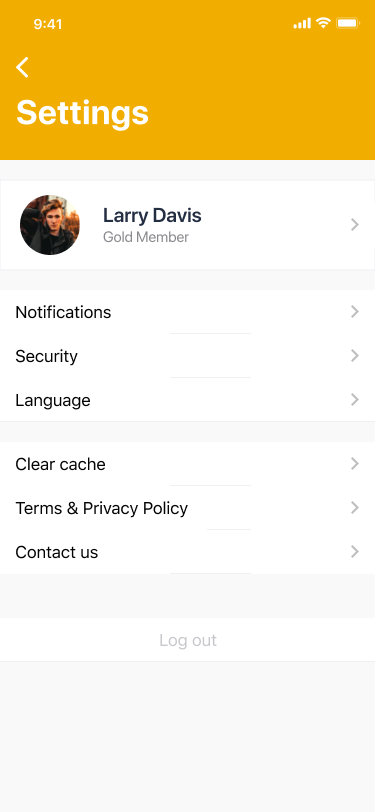
Settings
Customize your Uber experience by adjusting your preferences and account settings.
-
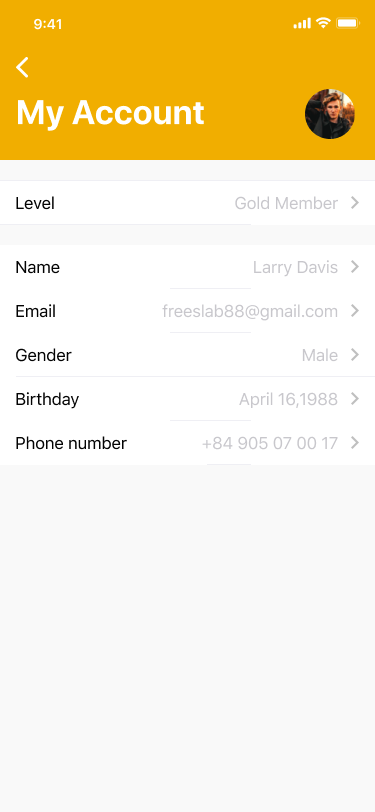
My Account
Manage your personal information, including your name, email, phone number, and gender.
-
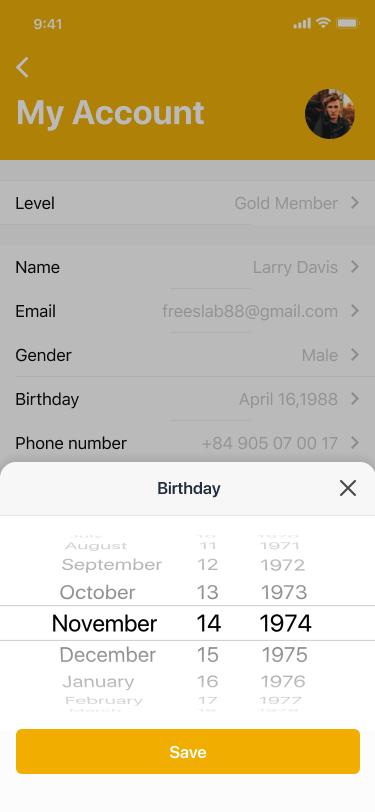
Change Personal Details
Update your personal information, including your birthday, to keep your profile current.
-
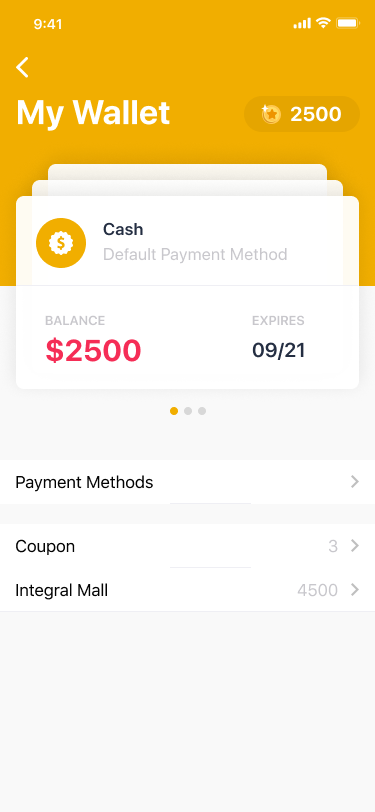
My Wallet
Access and manage your payment methods and transaction history in the wallet section.
-
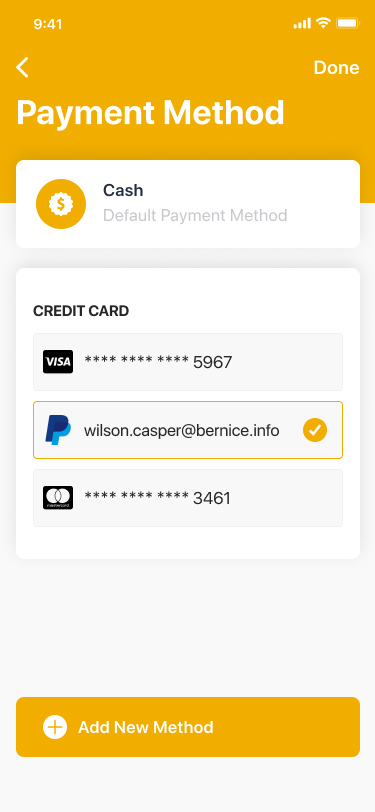
Payment Method
Add, edit, or select your preferred payment method for a seamless Uber experience.